Bilingual creative education
Learn the tools behind great edits
Step-by-step tutorials for Photoshop, Premiere Pro, After Effects, Canva, and AI creative tools, in Sinhala and English.
Learning tracks
Choose your path
Three focused disciplines, each built from clear, tool-specific lessons.
Track 01
Photo editing
Retouching, color grading, and compositing workflows for stills, taught one decision at a time in Photoshop and Canva.
Track 02
Video editing
Edit, sequence, and finish footage in Premiere Pro, then add motion graphics in After Effects with clear, repeatable steps.
Track 03
Graphic design and AI tools
Layout, typography, and brand assets in Canva, plus practical guidance on AI creative tools and when each one fits the project.
Featured tutorials
Follow a project from start to finish
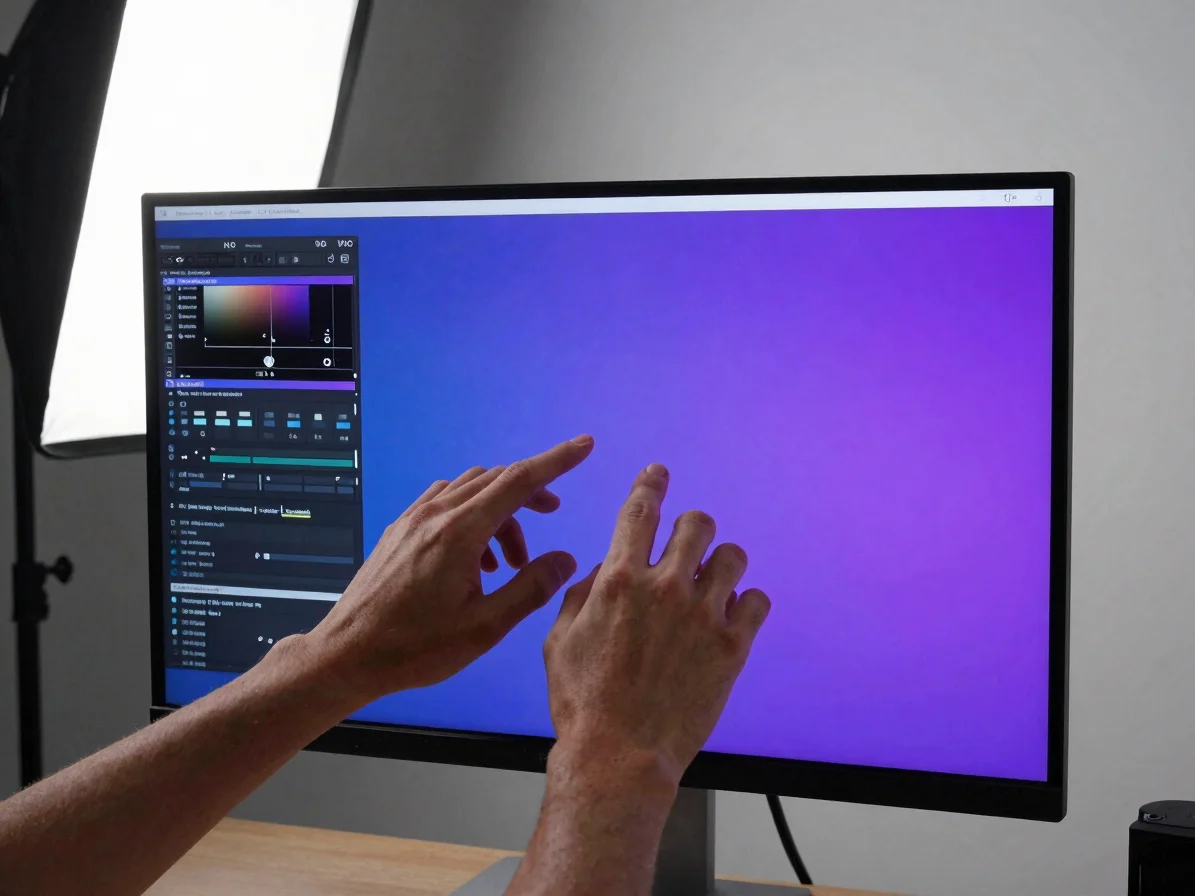
Photoshop
Build a clean portrait retouch
Work through selections, frequency-friendly smoothing, and dodge-and-burn passes, with each step explained so you can apply it to your own images.
Premiere Pro
Cut a short-form video sequence
Organize a timeline, set up cuts and transitions, and balance audio levels, with notes on naming the version and workflow each step applies to.
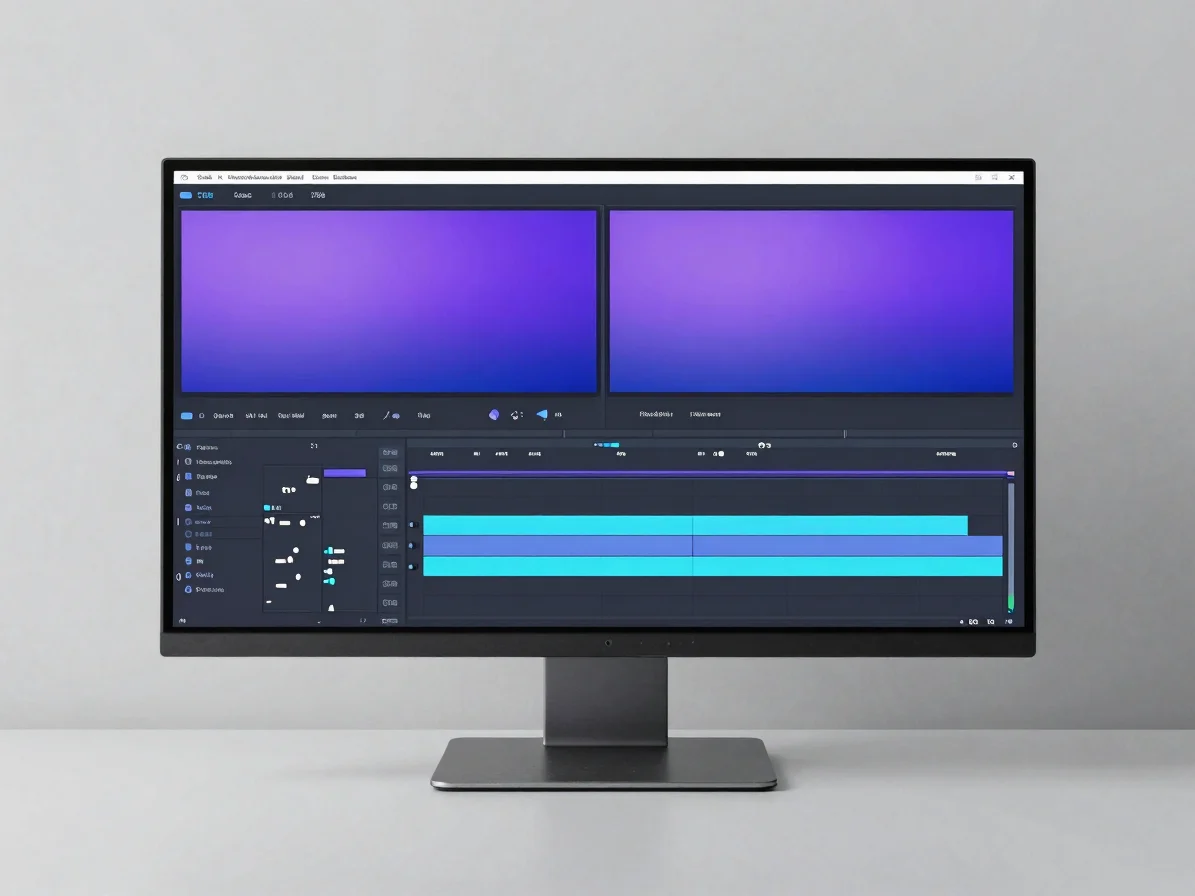
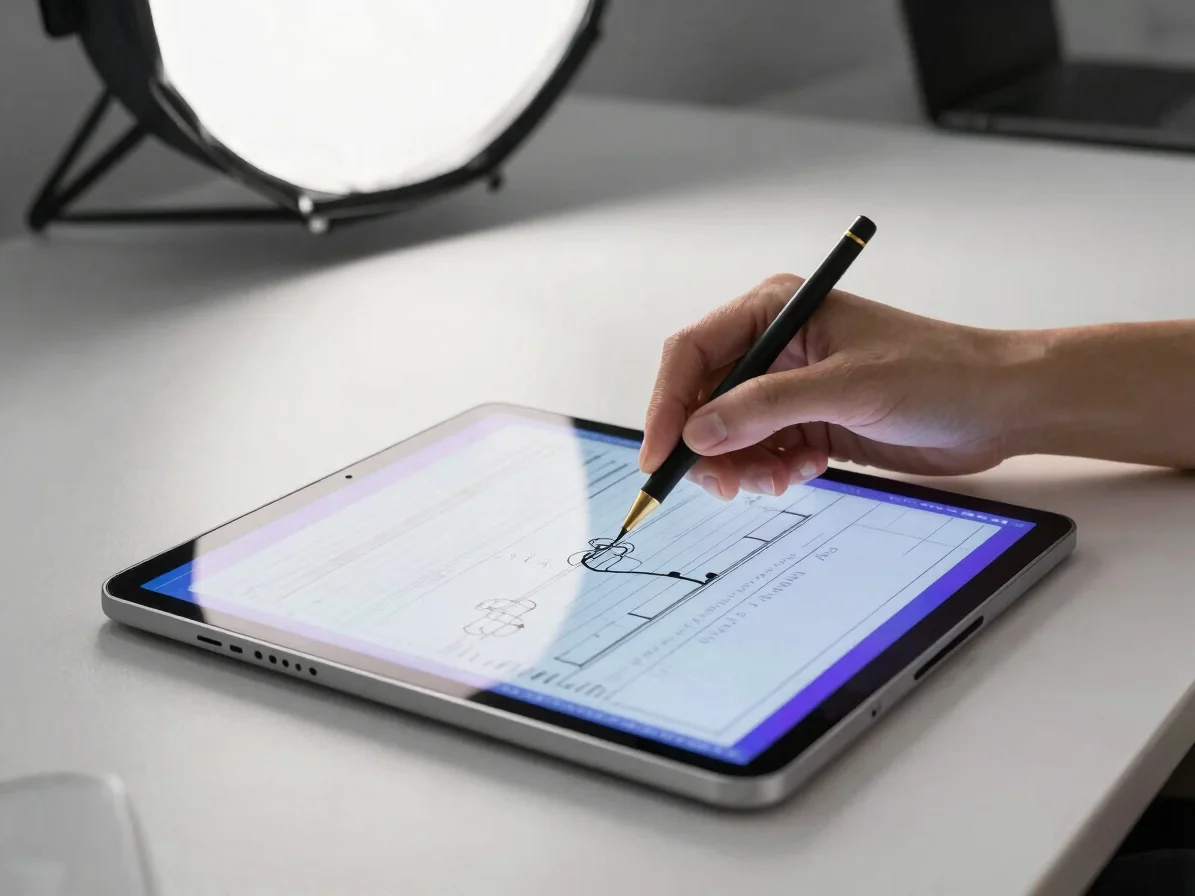
After Effects
Animate a title lower third
Set keyframes, easing, and simple motion paths for an on-screen title, then export a clean asset you can reuse across projects.
Canva
Design a social post system
Set up brand colors, reusable templates, and typography pairings so a series of posts stays consistent without starting from scratch.